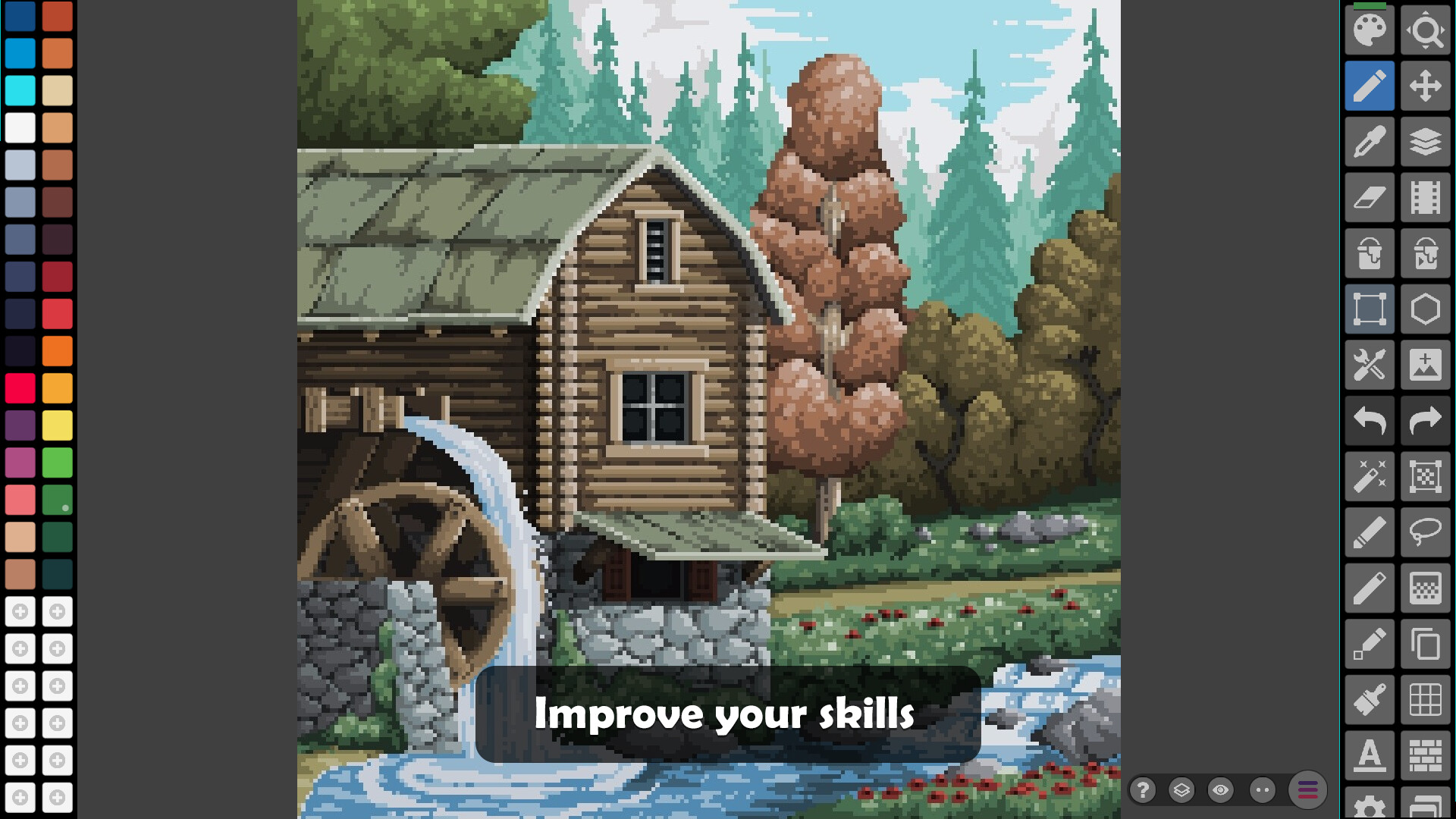
Pixel Studio - best pixel art editor

Pixel Studio - best pixel art editor game image

No user reviews

Total: 0Positive: 0Negative: 0
0%
0%
Steam review score: 0

Sorry!

This game is not fully supported yet!

Community review

Pixel Studio - Best Pixel Art Editor is a versatile tool for artists and game developers, offering a simple, fast, and portable way to create stunning pixel art. With an impressive AI Community Rating of 90.31%, this app is praised for its intuitive interface, cross-platform compatibility, and robust features like layers, animations, and Google Drive sync. Whether you're a beginner or a pro, Pixel Studio provides everything you need to bring your pixel art projects to life. Users love its ease of use, extensive toolset, and the ability to share creations with the Pixel Network™ community. However, some concerns include AI art usage transparency, saving issues on PC, and the paywalled dark mode. Despite these drawbacks, Pixel Studio remains a top choice for pixel art enthusiasts, with over 2 million downloads worldwide and support for 23 languages. Dive in and discover why it’s considered one of the best pixel art tools available!

What the community wishes

AI art usage concerns
Users are upset about art being used to train AI without explicit consent. While an opt-out option exists, trust in the developer has been damaged due to the lack of transparency and shadowbanning of artists.
Lack of trust in opt-out
Users do not trust the opt-out feature for AI training, as it was quietly introduced. This has led to distrust and some users deleting the app despite previously enjoying it.
Saving issues on PC
Users face significant issues saving files on PC, with frequent errors and pop-ups about folder permissions. This makes the saving process frustrating and time-consuming.
No CMYK mode for palettes
The lack of a CMYK mode for color palettes is inconvenient for users who want to print their work or match colors for print projects.
Dark mode paywalled
Users find it frustrating that dark mode is locked behind a paywall, especially since the app is already mostly grey and not blindingly white.
Cross-platform purchase issues
Users are unhappy that the in-app purchase for premium features is not cross-platform, requiring separate purchases for different devices.
No cloud saves on Steam
Users expect cloud saves on Steam but find this feature locked behind a subscription, which is seen as unnecessary for a desktop app.
UI lag and unresponsiveness
Users report UI lag and unresponsiveness, particularly during canvas creation, which creates a poor first impression and hinders usability.
No tooltips for buttons
The lack of hover-over tooltips for buttons makes the software harder to learn and use, especially for new users.
No area selection across layers
Users find it cumbersome to select areas across multiple layers, requiring constant switching and closing of layers, which disrupts workflow.
Export issues with file formats
Users report issues with exported files not saving properly or being unusable in other software, which limits the app's practicality.
No FPS setting for animations
Users want the ability to set FPS for animations instead of adjusting frame duration per frame, which is less intuitive.
Mobile-first design hinders PC
The app feels more optimized for mobile, leading to a subpar experience on PC, particularly with saving and UI elements.
No native desktop UI elements
The app lacks native desktop UI elements, such as right-click context menus and tooltips, making it feel foreign on PC.
Overlay feature for reference images
Users want an overlay feature to use high-res reference images without compression, which would help with sketching and tracing.
Limited color palette styles
Users find the color palette options limited compared to other software, which restricts creative flexibility.
No multiple tabs for projects
The lack of multiple tabs for projects makes it harder to work on multiple pieces simultaneously, reducing efficiency.
Exporting to better formats
Users want the ability to export images in more versatile formats instead of being limited to less usable file types.
Pixel Network login issues
Users are unable to log in to Pixel Network beta, which is a key feature for many, due to remote config issues.
Lack of transparency in updates
Users feel updates, especially those involving AI, are not communicated transparently, leading to distrust and frustration.

Reviews

Toxicity trend

N-Grams

best free pixelart got stolengood program Itrusting Oleg againbest pixel artlovely artists becauseeasy to usefantastic tool forhassle free experiencegood playground forgreat free pixelintuitive and easyrecommend Aseprite ifuser friendly everythinggreat pixel artgreat tool ifintuitive interface andgreat program Ifree alternative thistraining an AI

Keywords

What the community loves
easy
17
great
9
recommend
9
good
8
free
8
best
5
intuitive
5
useful
4
recommended
4
features
4
love
3
simple
3
amazing
3
drawing
2
tools
2
Where the community is undecided
pixel
11
art
6
layers
5
feature
5
pixel art
5
editor
4
artists
4
phone
3
mobile
3
gallery
3
community
3
UI
3
software
3
drawing
3
alternative
3
What the community dislikes
AI
3
mistake
2
Undo
2
paywall
2
trust
2
issue
2
export
2
sucks
2
regret
2
Clipboard
1
cloud saves
1
clunky
1
compensation
1
confused
1
dark theme
1

In-depth analysis of most impactful community reviews

Positive

Pixel studio is a great program. Easy to use, Supports layering, And you can animate as well! I've made countless Drawings animations and sprites using this program, As well as made a mark on the community. But, as of recent, Pixel Network has had something major happen to it. Ai got added, and art got stolen. And to top it off, the dev shadowbanned a ton of wonderful and good artists, as well as removed them from the user page. Doing all of this to cover up his mistake... The Ai stuff did get fixed, but the community still lost a bunch of lovely artists because of what happened. We won't be trusting Oleg again anytime soon. Switching this to a good review since it got fixed. I'm still mad though. Edit: It didn't get fixed! They just gave you an option to turn it off on your artworks.

  • Sentiments

    • I find Pixel Studio to be a great program because it is easy to use, supports layering, and allows for animation, which has enabled me to create countless drawings, animations, and sprites.
    • I have made a mark on the community using Pixel Studio, which has been a rewarding experience.
    • I am deeply disappointed by the recent addition of AI to Pixel Network, which led to art being stolen and caused significant harm to the community.
    • I am upset that the developer shadowbanned many wonderful and talented artists and removed them from the user page to cover up their mistake.
    • I feel that the community has lost many lovely artists due to the developer's actions, which has damaged trust.
    • I am relieved that the AI issue was eventually fixed, but I am still angry about how the situation was handled.
    • I am frustrated to learn that the AI issue was not fully fixed; instead, they only provided an option to turn it off for individual artworks.
    • I no longer trust the developer, Oleg, due to the recent events and their handling of the situation.
    • Despite the issues, I am switching my review to a positive one because the AI problem was addressed, even though I remain upset.
    • I am still mad about the entire situation, even though some improvements were made.

Positive

I'm no professional artist or anything, but this is genuinely an extremely good product. I sunk a lot of hours into this because of how simple and user friendly everything is. There may be better pixel art editors out there, but for a free alternative, this is far from bad.

  • Sentiments

    • I find this product to be genuinely extremely good, which is a strong positive sentiment about its overall quality.
    • I spent a lot of hours using this product, indicating a high level of engagement and satisfaction.
    • I appreciate how simple and user-friendly everything is, which highlights the ease of use as a key positive feature.
    • I acknowledge that there may be better pixel art editors available, but this is a neutral observation about alternatives.
    • I consider this product to be a great free alternative, emphasizing its value for being free of cost.
    • I believe this product is far from bad, which is a positive sentiment about its quality despite being free.

Positive

Pixel Studio stands out as the best pixel art app among its competitors. Unlike other apps that inundate you with reminders to buy subscriptions for better features, Pixel Studio offers a hassle-free experience, making it easy to learn and use. Its intuitive interface and user-friendly design make it the perfect tool for creating pixel art.

  • Sentiments

    • I feel that Pixel Studio stands out as the best pixel art app among its competitors, which gives me a strong sense of satisfaction and confidence in its quality.
    • I appreciate that Pixel Studio does not inundate me with reminders to buy subscriptions for better features, which makes the experience hassle-free and enjoyable.
    • I find Pixel Studio easy to learn and use, which makes it accessible and user-friendly for me as a creator.
    • I am impressed by the intuitive interface of Pixel Studio, which enhances my creative workflow and makes the app enjoyable to use.
    • I consider Pixel Studio to be the perfect tool for creating pixel art, which reflects my high level of satisfaction with its features and design.

Positive

Very cool and intuitive software. I used it to create all my art for a game assignment and it worked so well!! I bought premium just for the larger canvas sizes but that's all I remember being paywalled - none of the actual drawing features were, and the free size limit didn't affect my work from an art pov, just coding-wise they needed to be bigger. Animating is very easy too, and I love that you can rebind all the keyboard shortcuts in the settings. It also has a grid overlay which is VERY useful when working with similar colours. I am still learning the software but I'm in love with it, it's definitely my new go to!!

  • Sentiments

    • I find the software very cool and intuitive, which made it easy for me to create all my art for a game assignment.
    • The software worked so well for my needs, and I was able to complete my art without any issues.
    • I purchased the premium version primarily for the larger canvas sizes, but I didn't feel that any essential drawing features were paywalled.
    • The free version's size limit didn't affect my art quality, though it was a limitation for coding purposes.
    • Animating in the software is very easy, which I appreciate as it simplifies my workflow.
    • I love that I can rebind all the keyboard shortcuts in the settings, which makes the software highly customizable for my preferences.
    • The grid overlay feature is VERY useful, especially when working with similar colors, as it helps me maintain precision.
    • I am still learning the software, but I am already in love with it and consider it my new go-to tool.

Positive

What this allows you to do is surprisingly good for being free of charge. My only complaint is that the phone UI is clunky and inferior to Aseprite, so if you can get that program for cheap when it goes on sale, then go with that instead. If you can't get that yet, then this is a great alternative for smaller projects like making loads of pixel art of your husbando or waifu and then going forth and spreading your one true gospel to the world by filling up the community servers with your religious iconography in the meantime while you wait.

  • Sentiments

    • I find it surprisingly good that this tool is free of charge, which makes it accessible for users who may not have the budget for paid software.
    • I feel that the phone UI is clunky and inferior compared to Aseprite, which makes the experience less smooth and enjoyable.
    • I recommend getting Aseprite when it goes on sale, as it seems to be a better option for those who can afford it.
    • I think this tool is a great alternative for smaller projects, especially for creating pixel art of personal interests like husbando or waifu.
    • I appreciate that this tool allows users to create and share their pixel art, spreading their creativity and ideas within the community.
    • I find it amusing and creative that users can fill community servers with their pixel art, turning it into a form of personal or religious expression.

Negative

A once great app has recently started allowing AI and training an AI bot off anything uploaded to the gallery. I will continue to use this as I don't post anything on the gallery or the money to switch to a different app, but I wouldn't download or buy premium. Make sure you NEVER post anything to the gallery if you already use it. There are other softwares too if you have the money, I would personally recommend 'Aseprite' if you still want a dedicated pixel art app.

  • Sentiments

    • I feel that the app was once great but has recently declined in quality due to the introduction of AI and its use of uploaded content for training.
    • I am concerned about the privacy implications of the app using uploaded content to train an AI bot.
    • I will continue using the app because I don't post anything to the gallery and cannot afford to switch to another app.
    • I strongly advise against posting anything to the gallery if you already use the app due to privacy concerns.
    • I would not recommend downloading or purchasing the premium version of the app given its current practices.
    • I acknowledge that there are other software options available for those who can afford them.
    • I personally recommend 'Aseprite' as a dedicated pixel art app for those looking for alternatives.

Negative

This program is fantastic, but unfortunately with the most recent update it is now using your art to train an AI without compensation. You can opt out, but given how quietly the AI was slipped into the program, I for one dont trust the opt-out. Ill be deleting this program, which is really unfortunate, since Ive loved it up until now.

  • Sentiments

    • I find this program fantastic and have loved it up until now.
    • The most recent update has introduced an AI that uses my art without compensation, which I find concerning.
    • I am disappointed that the AI was quietly slipped into the program without clear communication.
    • I do not trust the opt-out option provided for the AI usage, as it feels unreliable.
    • I have decided to delete the program, which feels unfortunate given my previous positive experience with it.

Negative

If I could write a neutral review, this would be neutral. This app is written using Unity, and I can feel the lag while painting. This means... * The same app is available on multiple platforms, such as mobile. * There is a short delay between the mouse interaction and the on-screen image. (Probably due to the whole rendering pipeline, double/triple buffer, vsync, etc.) * The app feels "foreign" on the desktop. No native UI elements whatsoever. No tooltips either. No right-click context menus. The app also includes (an optional) USD 12 in-app purchase for extra features, including "No ads". Well, at least on my machine, no ads were loaded anyway, even without purchasing. Maybe it's a text that applies to the mobile versions but not to the Steam version. That USD 12 in-app purchase is only valid for the same platform. If you want the "pro" features on the other platforms, it's USD 18. I'm writing the review because I think people should know about the engine and about the in-app purchases. As a tool created by a solo developer, I admire what he accomplished. But as a "consumer" of a pixel art editor, I think there are better editors elsewhere. For instance, the whole Aseprite is smaller than the Unity runtime itself, and it launches faster and has no lag. If you're looking for a cross-device pixel art editor that you can also use on a mobile device, this may be a good option for you. But if you'd rather have a more lightweight editor with a more desktop-focused interface and no lag, then look elsewhere. I'm in the later group.

  • Sentiments

    • I feel that the app has noticeable lag while painting, which negatively impacts the user experience.
    • I notice that the app feels foreign on the desktop due to the lack of native UI elements, tooltips, and right-click context menus.
    • I appreciate that the app is available on multiple platforms, which adds to its versatility.
    • I find the in-app purchase system confusing, as the USD 12 purchase is only valid for one platform, and the pricing varies across platforms.
    • I admire the solo developer for what they accomplished, as creating a cross-platform app is no small feat.
    • I think there are better pixel art editors available, such as Aseprite, which are more lightweight and have no lag.
    • I appreciate that the app could be a good option for those looking for a cross-device pixel art editor, especially for mobile users.
    • I feel that the app's Unity engine contributes to its lag and slower performance compared to other editors.
    • I find it odd that the app mentions 'No ads' as part of the in-app purchase, but no ads were loaded on my machine even without purchasing.
    • I believe the review is important to inform others about the app's engine and in-app purchase system.

Negative

New Review: The art posted to the gallery is now used to train AI. AI art sucks. I will continue to use this because I don't use it often and only do small things but buyer beware. Old Review: This is such a good program! I love using it to make Stardew mods :)

  • Sentiments

    • I feel disappointed that the art posted to the gallery is now being used to train AI, as I believe AI art is not good.
    • I will continue to use this program because I don't use it often and only for small tasks, but I want to warn others about the AI art issue.
    • I previously loved using this program to make Stardew mods and found it to be a very good program.

Negative

At one point I would have wholeheartedly recommended this. But recent changes to Pixel Network that allow your hard work to be used to train AI unless you opt out (and do we really trust the opt out?) leaves me scrambling to build Aseprite from source because I'm broke. Note: I've used this mostly on iPad.

  • Sentiments

    • I would have wholeheartedly recommended this at one point, indicating a strong initial positive sentiment toward the product.
    • Recent changes to Pixel Network have made me feel uneasy and distrustful, as they allow my hard work to be used to train AI unless I opt out.
    • I am skeptical about the effectiveness of the opt-out option, which adds to my distrust of the platform.
    • I am now scrambling to build Aseprite from source because I cannot afford alternatives, which reflects frustration and financial constraints.
    • I have mostly used this product on iPad, which provides context for my experience but does not convey a strong sentiment.

© 2024